EDHI5 Solutions

The Intelligent
Future Ready Platform
For The Connected Campus.

Transforming everyday operations into intelligent, actionable insights.

Explore solutions ↓
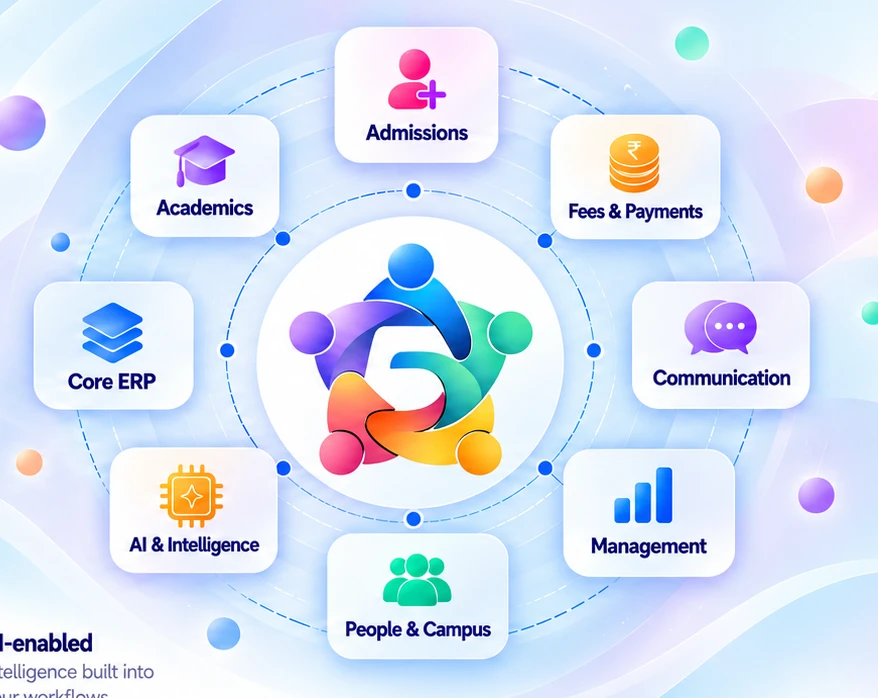
EDHI5 symbol connecting admissions, academics, core ERP, payments, communication, management, campus teams and AI
30+ Integrated ModulesConnected school operations
Flexible & ScalableGrow with your institution
AI-EnabledIntelligence built into your workflows
Enter Once. Connect Across The School.

One Student.
One Connected Record.

Create the core profile during admission. Every module builds on the same student record.

Student ProfileActive

Example student portrait

Aarav Sharma

Admission No.
2026-0158

Class 6 · Division A

Parent DetailsPriya Sharma · MotherSchool contact on record
DocumentsAdmission documents linked
✓ Core details entered once.
One Connected
Student Record

Same student.
Shared information.

Access based on responsibility
A Connected Update In Practice

Update a core detail and see the relevant modules respond.

Less Repeated EntryEnter core details once.
Consistent InformationTeams work from a shared record.
A Complete Student ViewDaily activities enrich the same record.
03Find Your Solution

Start With The Work.
Connect The Rest.

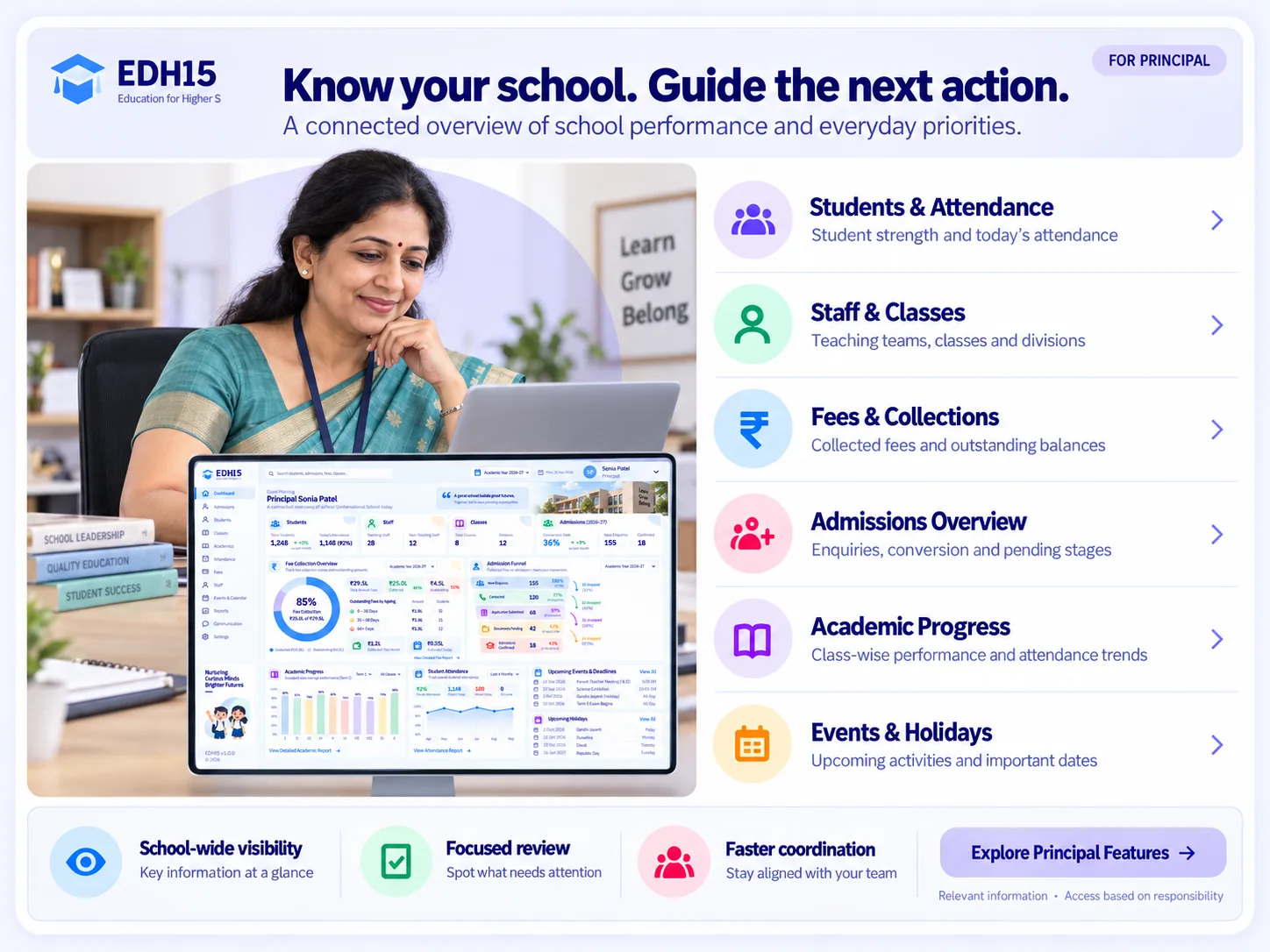
Explore the core areas that run your school. Each module connects to a shared school context, with access based on responsibility.

EDHI5 campus platform illustration

Admissions CRM

Turn Enquiries Into A Clear Admission Journey.

Manage enquiries, follow-ups, applications and admission decisions in one connected process.
A Connected View
  1. Enquiry
  2. Follow-up
  3. Application
  4. Admission
  • Enquiries and counsellor follow-ups
  • Applications, documents and interview status
  • Admission decisions, capacity and waitlists
Explore Solution
EDHI5 campus platform illustration

Student Management

One Student Record. Useful Across The School.

Keep student and parent information connected to the teams and workflows that use it.

A Connected View
  1. Student record
  2. Class & division
  3. Documents
  • Student and parent information
  • Classes, divisions and student records
  • Documents and certificates
Explore Solution
EDHI5 campus platform illustration

Parent Experience

Keep Families Informed And Involved.

Bring school updates, student progress and important follow-ups into the parent experience.

A Connected View
  1. School update
  2. Parent view
  3. Query & reply
  • Notices and school communication
  • Attendance, homework and academic updates
  • Fee information, queries and complaints
Explore Solution
EDHI5 campus platform illustration

Academics

Connect Classroom Work To Student Progress.

Bring curriculum, lessons, homework, assessments and report cards into a connected academic view.
A Connected View
  1. Plan
  2. Teach
  3. Assess
  4. Understand
  • Curriculum and lesson planning
  • Homework, assignments and timetable
  • Examinations, gradebook and report cards
Explore Solution
EDHI5 campus platform illustration

Attendance

See Attendance Patterns. Follow Up Sooner.

Record attendance and make the relevant patterns visible to teachers, school leaders and families.

A Connected View
  1. Mark
  2. Review patterns
  3. Follow up
  • Daily student attendance
  • Class and division attendance views
  • Monthly trends and student-level review
Explore Solution
EDHI5 campus platform illustration

Fees & Collections

Collect With Visibility And Greater Control.

Connect fee structures, student balances, collections and receipts with focused accounts workflows.

A Connected View
  1. Fee structure
  2. Collect
  3. Receipt & ledger
  • Class-wise fee structures and terms
  • Student collections, receipts and ledgers
  • Outstanding, overdue and collection reports
Explore Solution
EDHI5 campus platform illustration

Staff Management

Keep Staff Information Organised.

Give administration and school leadership a relevant view of the people supporting the school.

A Connected View
  1. Staff record
  2. Role
  3. Responsibility
  • Staff information and records
  • Teaching and non-teaching staff visibility
  • Role-based access and responsibilities
Explore Solution
EDHI5 campus platform illustration

Communication

Give Every School Message A Clear Path.

Create and manage announcements, notices, parent queries and school follow-ups with audience context.
A Connected View
  1. Draft
  2. Audience
  3. Review
  4. Publish
  • Announcements and notices
  • Audience and channel selection
  • Queries, complaints and resolution status
Explore Solution
EDHI5 campus platform illustration

Administration

Keep The Everyday School Essentials Together.

Organise school calendars, holidays, documents and transport information alongside core operations.

A Connected View
  1. Calendar
  2. Documents
  3. Transport
  • Calendar and holiday management
  • Documents and certificates
  • Transport routes, stops and student lists
Explore Solution

Showing all 9 solutions.

What Changes With EDHI5?

More Than Modules.
A Clearer Way To Run Your School.

Connect your teams, information and next steps.
Disconnected WorkConnected With EDHI5
Repeated student entriesOne shared student record
Scattered follow-upsVisible stages & responsibilities
Reports assembled manuallyInformation ready for review
Separate departmental viewsRelevant visibility for each role
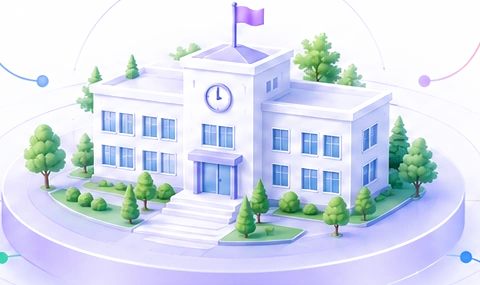
Illustration of one connected school

One Connected School

04Connected Workflows

School Work Moves.
Information Should Too.

See how an everyday update becomes relevant information for the next person and the next step.

One Confirmation Starts The Next Steps.

The confirmed application connects to the student record, class allocation, fee setup and parent communication.

  1. 01ApplicationAdmissions Team

    Confirm the admission decision.

  2. 02Student RecordAdministration

    Create the connected student record.

  3. 03Class & FeesAdministration & Accounts

    Prepare class allocation and fee setup.

  4. 04Parent UpdateParents

    Receive the relevant school update.

05Different Roles. Relevant Visibility.

One School Platform.
A Useful View For Every Role.

Give each team the information and actions relevant to their responsibilities.

09Let’s Start With Your School

Which Part Of Your School
Needs A Clearer Way To Work?

Walk through the modules, roles and workflows most relevant to your team.

01 · Your priorities02 · Relevant workflows03 · A practical next step

Book a Demo

See How EDHI5 Can
Run Your School Better.

Book a personalised walkthrough of EDHI5 to explore school operations, workflows, dashboards and the AI-ready platform designed for modern schools.

  • Personalised walkthroughTailored to your school’s needs.
  • Role-based demoSee what’s relevant to your role.
  • Questions answered liveGet real answers from our team.

Smarter
Schools
Brighter
Futures

Your information is safe with us.

EDHI5 Solutions | School ERP & Admissions CRM Modules